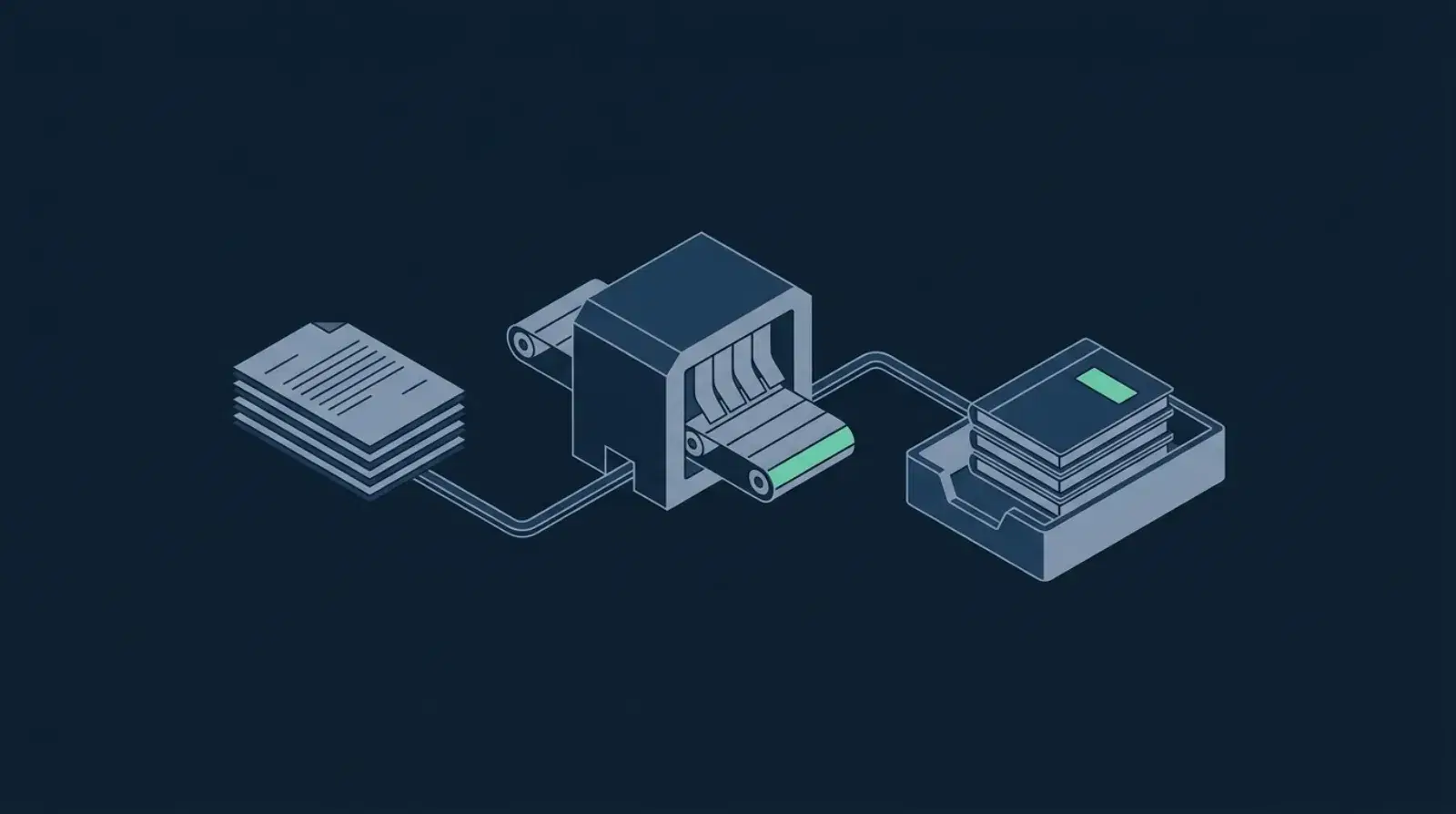
Automating Xero invoicing means an invoice is created, sent, and chased without anyone opening Xero. It runs in four stages: a trigger (job marked complete, deal won, milestone hit), building the invoice through the Xero API, sending it within minutes, and following up on overdue payment. Australian SMBs typically save 4 to 8 hours a week and get paid days sooner.
Why does manual Xero invoicing hurt your cashflow?
Most Australian small businesses we audit are losing 4–8 hours a week to manual Xero invoicing. Worse — invoices that should go out the day a job is finished often sit for 3–7 days, pushing payment dates further out and squeezing cashflow.
The good news: Xero has a deep API and integrates with practically every modern tool. Automating invoicing end-to-end is one of the highest-ROI projects you can run.
What are the four stages of Xero invoice automation?
1. When should an invoice fire?
The first decision is what event triggers the invoice. Common Australian-business triggers:
- Trades / services — job marked "complete" in simPRO, ServiceM8, AroFlo, or Tradify
- Professional services — timesheet approved at end of week / fortnight
- E-commerce — order shipped from Shopify / WooCommerce
- SaaS / subscriptions — Stripe subscription renewal event
- Project work — milestone marked complete in your PM tool
Pick one trigger to start with. The trigger fires a webhook into your automation tool (Make, n8n, Zapier — see our comparison guide).
2. How does the invoice get built in Xero?
Your automation reads the trigger payload, looks up the customer in Xero (creating them if they don't exist), and uses the Xero API to create a draft invoice with:
- Correct customer reference
- Line items pulled from job / order data
- GST applied automatically (10% standard, 0% for GST-free items)
- Payment terms (e.g. Net 7, Net 14, Net 30)
- Branding theme
Pro tip: Always create as Draft first if there's any human-review need (e.g. unusual job value, new customer). Switch to Authorised auto-send for routine, low-risk invoices.
3. How fast should it reach the customer?
Once authorised, fire it via Xero's email automation or — better — through your own email tool (Gmail, Outlook, Postmark, Resend) so it lands from your usual address. Personal sender addresses are paid 30% faster than no-reply Xero defaults.
Attach the PDF, include a one-click payment link, and CC your accounts inbox.
4. How do you chase payment automatically?
This is where most businesses leak the most cash. A simple chase cadence:
| Days overdue | Action |
|---|---|
| 0 (due date) | Friendly reminder email |
| 7 | Second reminder + phone follow-up task |
| 14 | Firm reminder, mention late fees |
| 21 | Final notice before debt collection |
Each step fires from your automation tool, branded with your tone. Customers who pay are removed from the sequence automatically.
What does it do to a trade business's cashflow?
One of our trade clients in Melbourne had:
- 6 hours/week on invoicing
- Average 38 days from job-complete to payment
- ~$12K constantly outstanding past 30 days
After automation:
- 15 mins/week of oversight
- Average 19 days to payment
- Outstanding past 30 days dropped to ~$3K
Cashflow improvement: $9K back into the business, plus 5.5 hrs/week reclaimed.
What will you need?
- Xero (Standard plan or higher — for API access)
- Trigger source — your job system, e-commerce platform, or PM tool with webhooks
- Automation platform — Make.com, n8n, or Zapier
- Email sending — Gmail / Microsoft / Postmark / Resend
- (Optional) A payment gateway like Stripe or GoCardless attached to Xero for one-click pay
What are the common pitfalls?
- Not handling the GST-free / GST-mixed case — your line items need GST flags set right per item. Get this wrong and your BAS reconciliation breaks.
- Sending duplicate invoices — always check whether an invoice for that job ID already exists before creating.
- No human escape hatch — for unusual amounts, route to a human-review queue rather than blind-sending.
- Forgetting to update the source system — when payment lands, mark the job/order as paid in your origin system too.
Should you build it yourself or hire someone?
If you're comfortable with Make/Zapier and have 1–2 days to invest, you can build a basic invoicing automation yourself. Where it gets hairy is:
- Multi-system reconciliation (Xero ↔ job system ↔ Stripe)
- GST edge cases
- Multi-currency
- Robust error handling and retries
For most Australian businesses, getting an engineer to build it once — properly, with monitoring — pays for itself inside 3 months.
Next Step
Book a free automation audit and we'll map your exact Xero invoicing flow, identify the leaks, and quote a fixed price to fix it.
Want to go deeper on the related work? Read our guide on workflow automation saving 20+ hrs/week or our accounting industry page.